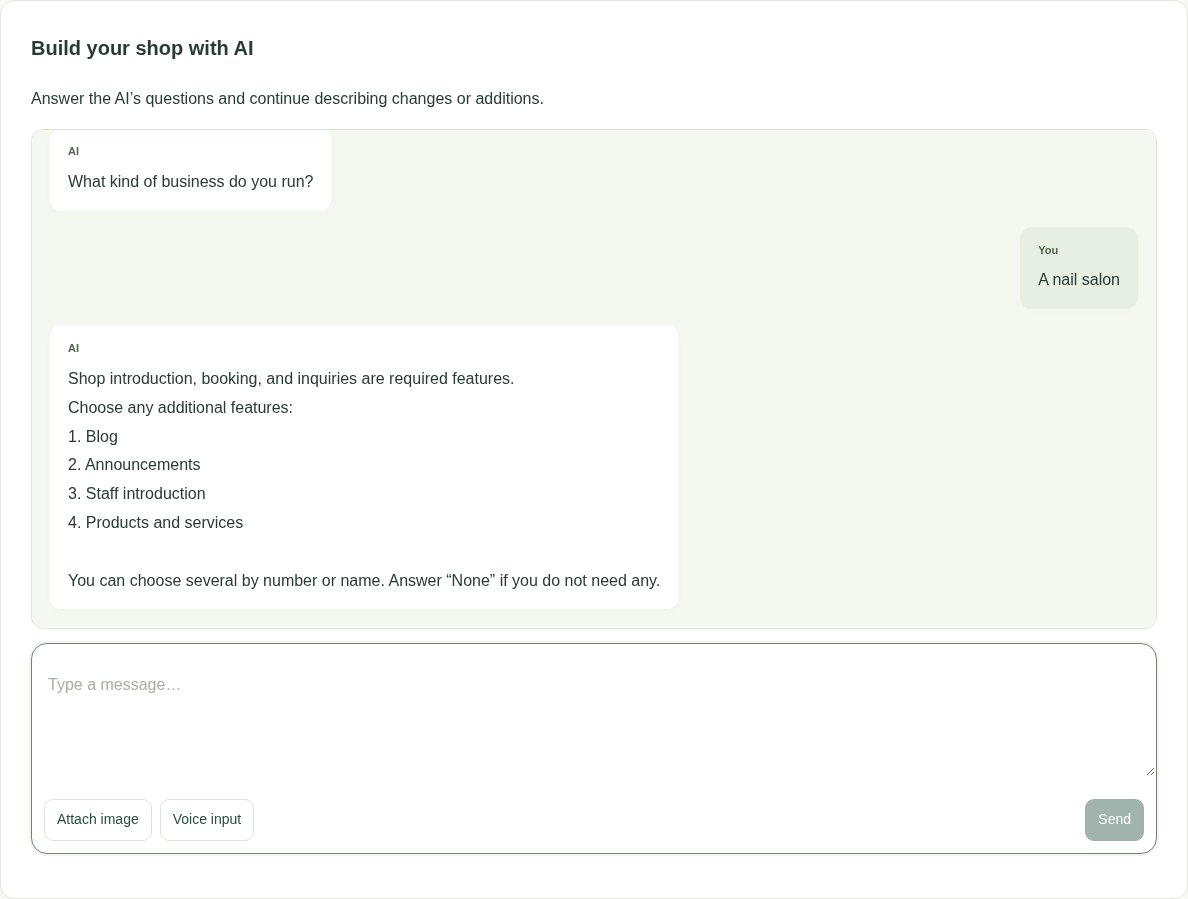
I run a calm, welcoming nail salon. I’d like a website that introduces my shop and takes bookings.
✓
AI has prepared your shop’s websiteReview your pages before publishing.
gemihub in one minute
01 — Website creation, edits, and shop advice
Ask. Discuss. Make it work for your shop.
Share an idea. Point to a spot and ask for a change. Talk things through whenever you like with AI that knows your shop.
Ask AI to build your site
Share your vision. Talk it through. Build it together.
Describe the pages you want and the feel of your shop, just as you would when briefing a web designer. Answer AI’s questions and discuss ideas while looking at the page. Work at your own pace, whenever it suits you.
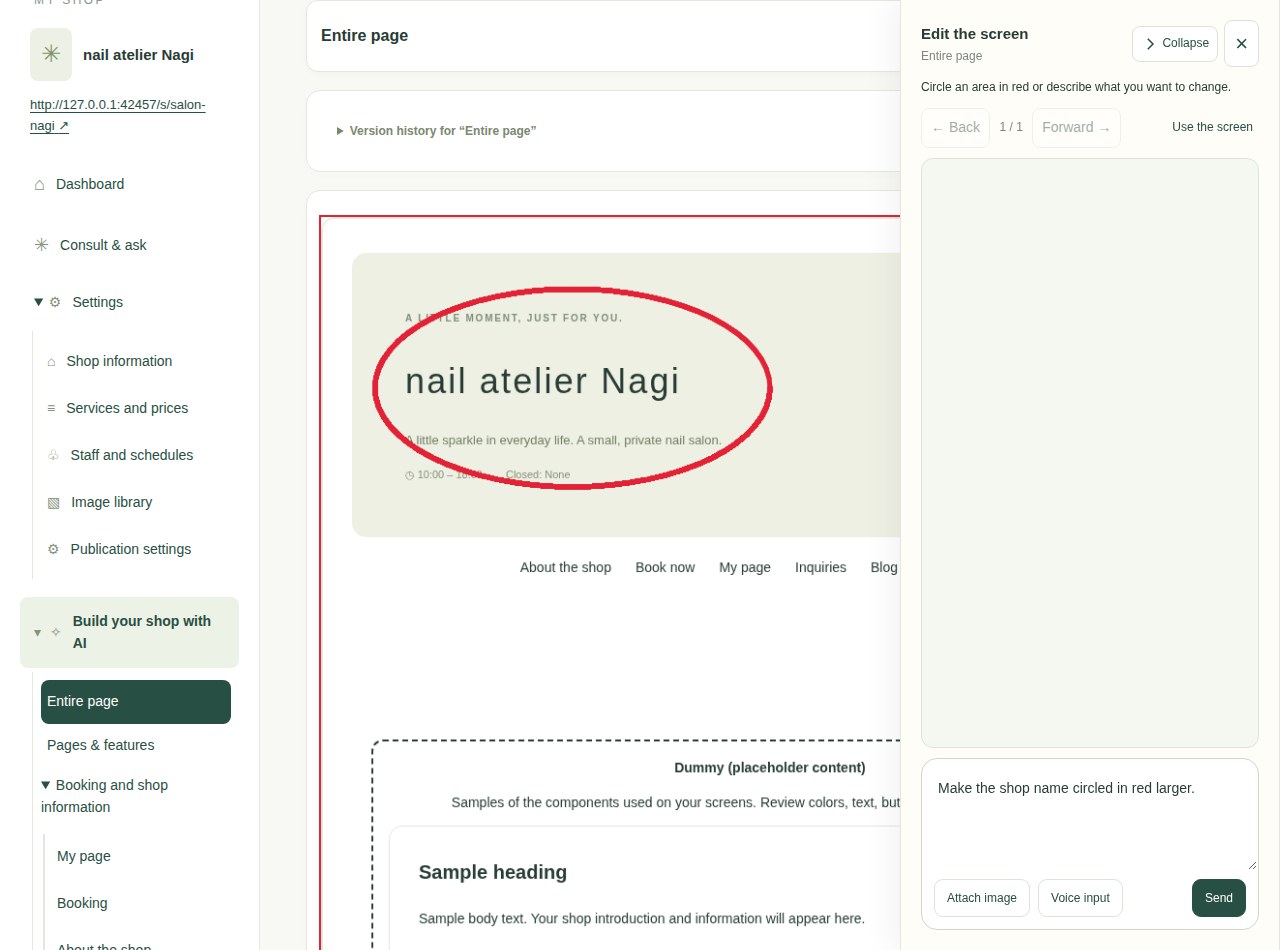
Circle what you want to change. Tell AI what you have in mind.
Draw a red circle around a spot on the page and tell AI, “Change this heading” or “Make this color brighter.” Confirm the edit, compare it on screen, then apply it.
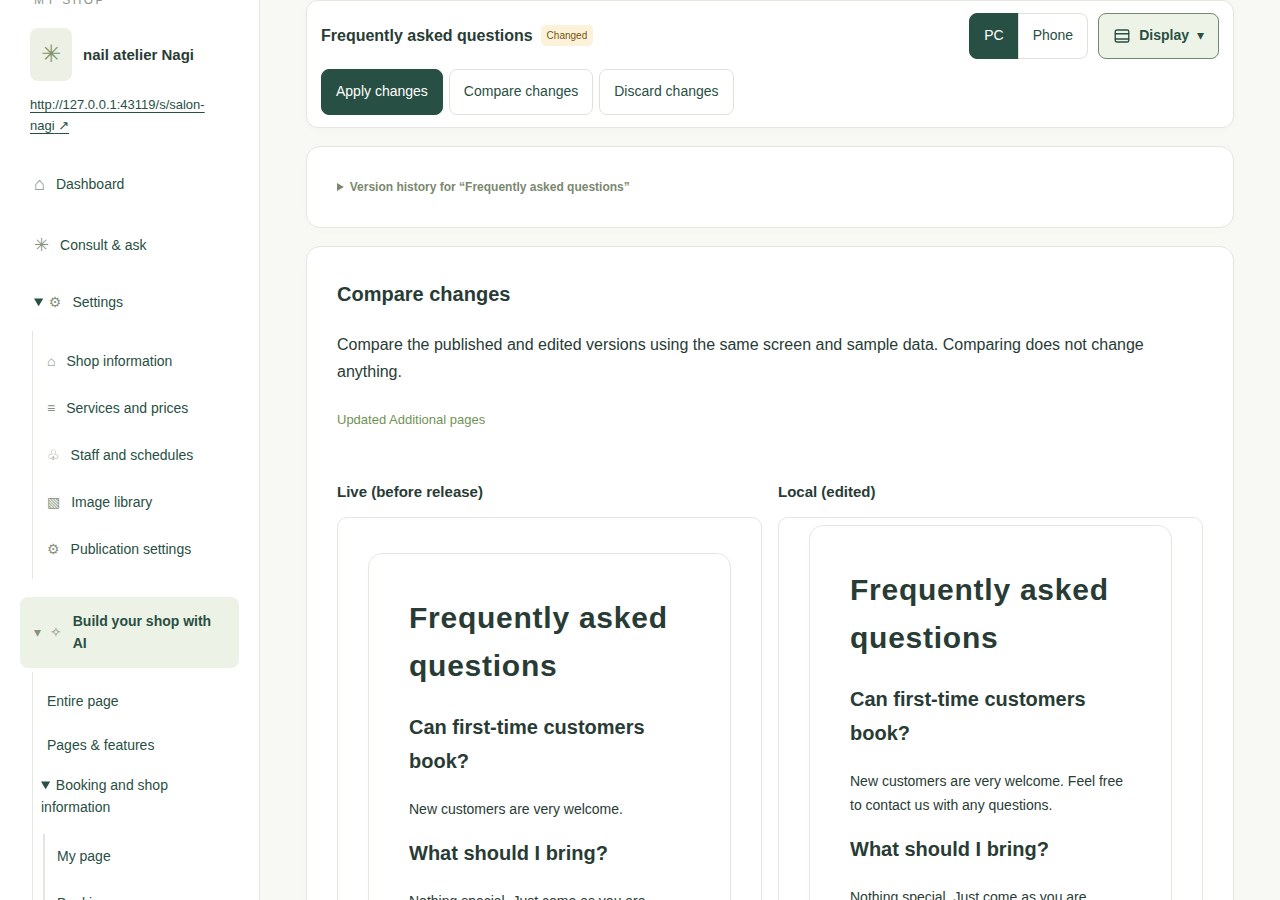
Compare changes. Check desktop and mobile. Then publish.
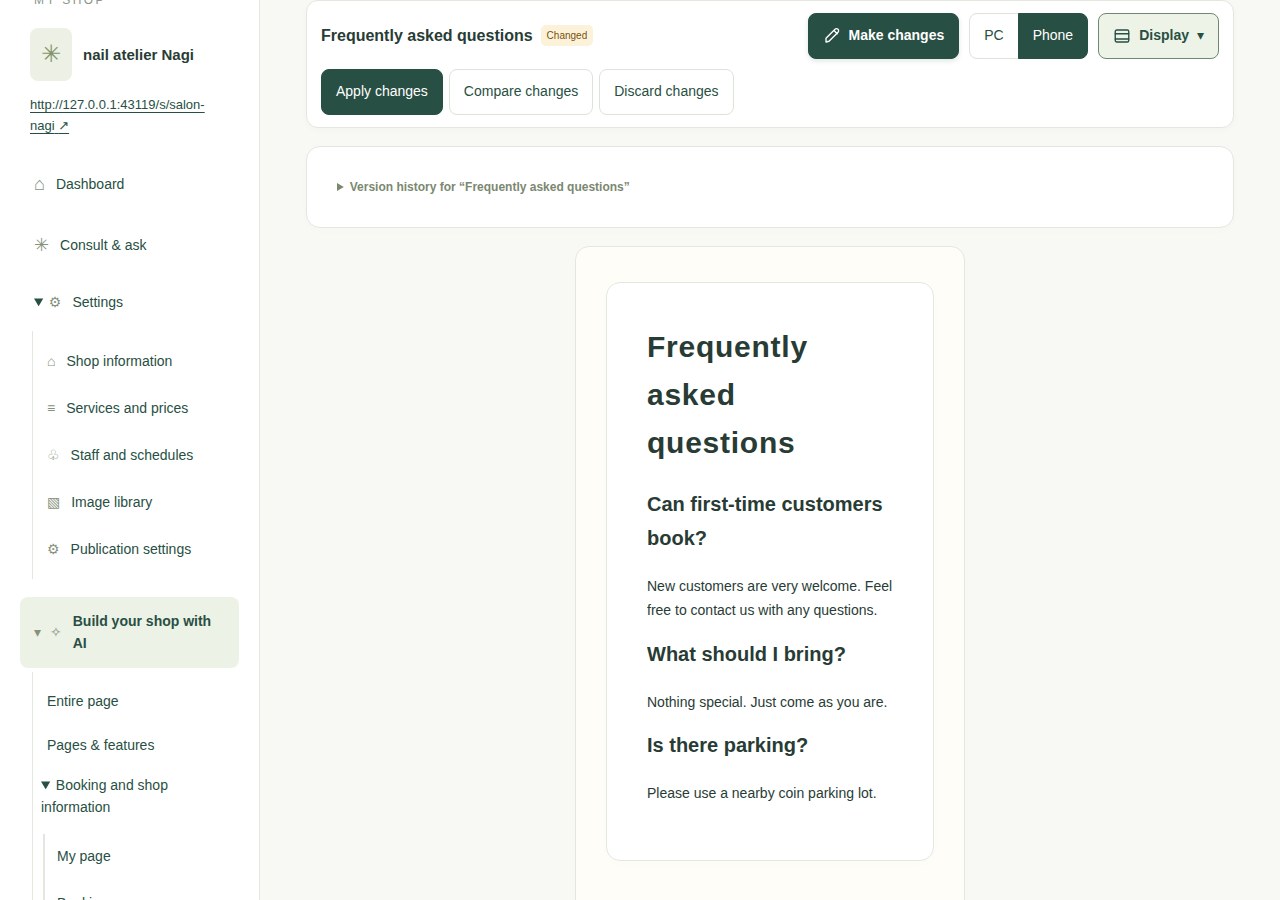
After reviewing and accepting a proposal, you can compare the changes and switch between desktop and mobile previews. Choose Apply to open the final review, then publish when you are satisfied.
Compare the published design and your edits side by sideSwitch between desktop and mobile to check the mobile layout
Advice from AI that knows your shop
It knows your shop. Start with a conversation.
Your shop’s data, current settings, and how bookings and payments work. Ask AI that understands the context whenever you need to. “How are bookings lately?” “What happens with this setting?” Talk about everyday questions and what you want to try next.
Who gets a booking when no staff member is selected?
AI
With your current setup, available times are based on the working hours and existing bookings of staff who can provide the service.
And what if I want to add another staff member?
Illustrative conversation based on shop settings
02 — Make payments feel easier, too
A cancelled slot. A new customer. A new booking means a higher refund.
Example using the default refund policyPayPal
Paid at booking¥10,000
1. Cancel 18 hours beforeThe normal expected refund is ¥7,000 (70%).
2. Offer the slot at 10% offOffer the slot for ¥9,000 until 12 hours before the appointment.
3. Refund ¥9,000 if bookedThe refund increases from ¥7,000 to ¥9,000.
If nobody books by the deadline, the refund is the ¥7,000 confirmed at cancellation. Amounts, discounts and deadlines depend on the policy saved with the booking.
With the default refund terms
Time before visit
Standard refund
Next customer’s price
Refund if rebooked
24 h or more
100%
Not re-offered (full refund)
100%
24–12 h
70%
10% off
90%
12–1 h
40%
30% off
70%
Less than 1 hour before
0%
Half price
50%
Customers pay up front, so you keep revenue even when they don’t come. A cancelled slot is re-offered at a discount, and if it fills, the customer who cancelled gets a higher refund.
When the slot is rebooked, your revenue stays the same. If the shop cancels, the customer gets a full refund.
Eligible bookings and things to know+
Eligible bookings must be paid through PayPal, have replacement bookings enabled for every service and add-on, and be within the listing deadline. Full-refund periods and bookings that do not qualify for a higher refund use normal cancellation.
A replacement booking is not guaranteed. The cancellation review shows the deadline and expected refund. Prepayment requires PayPal setup.
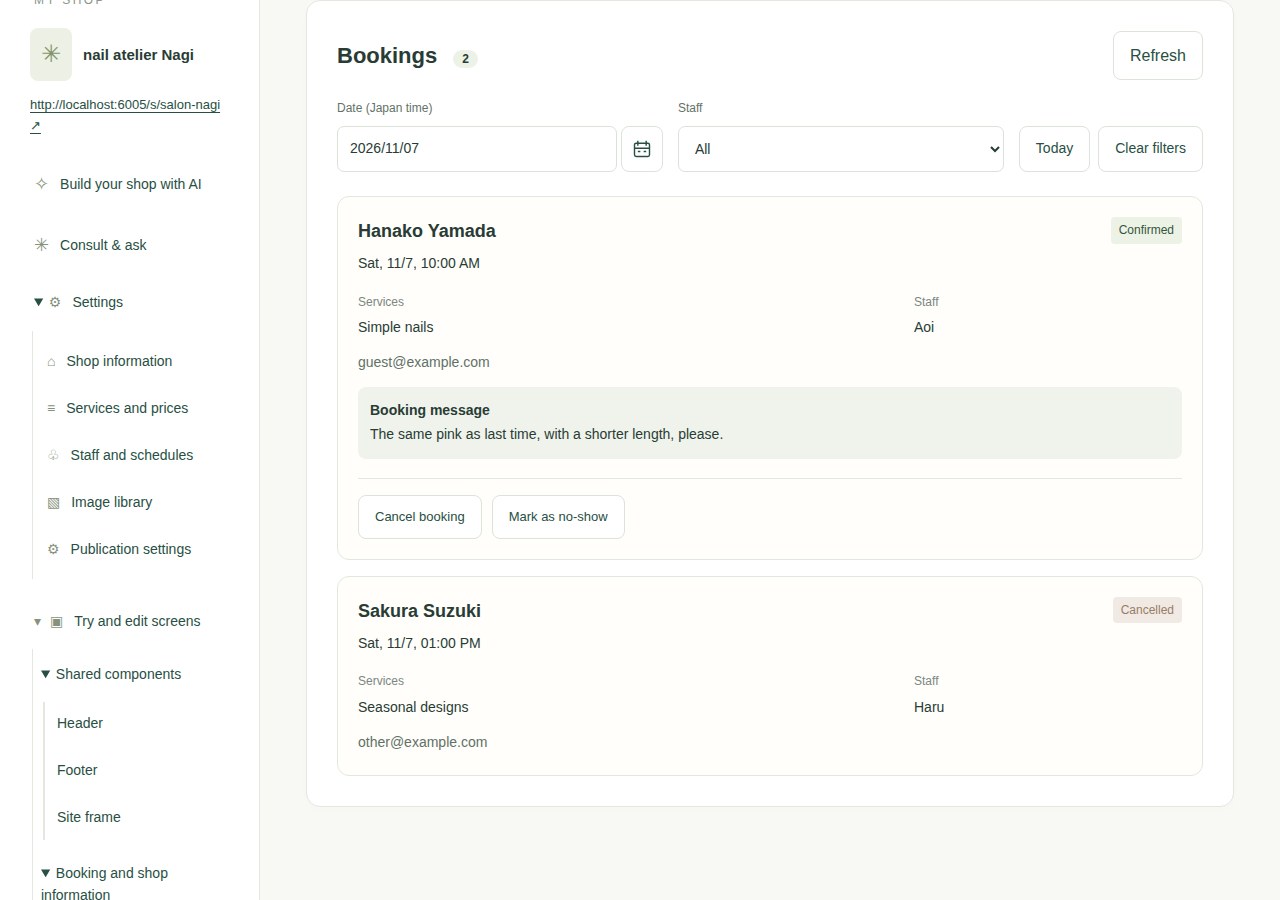
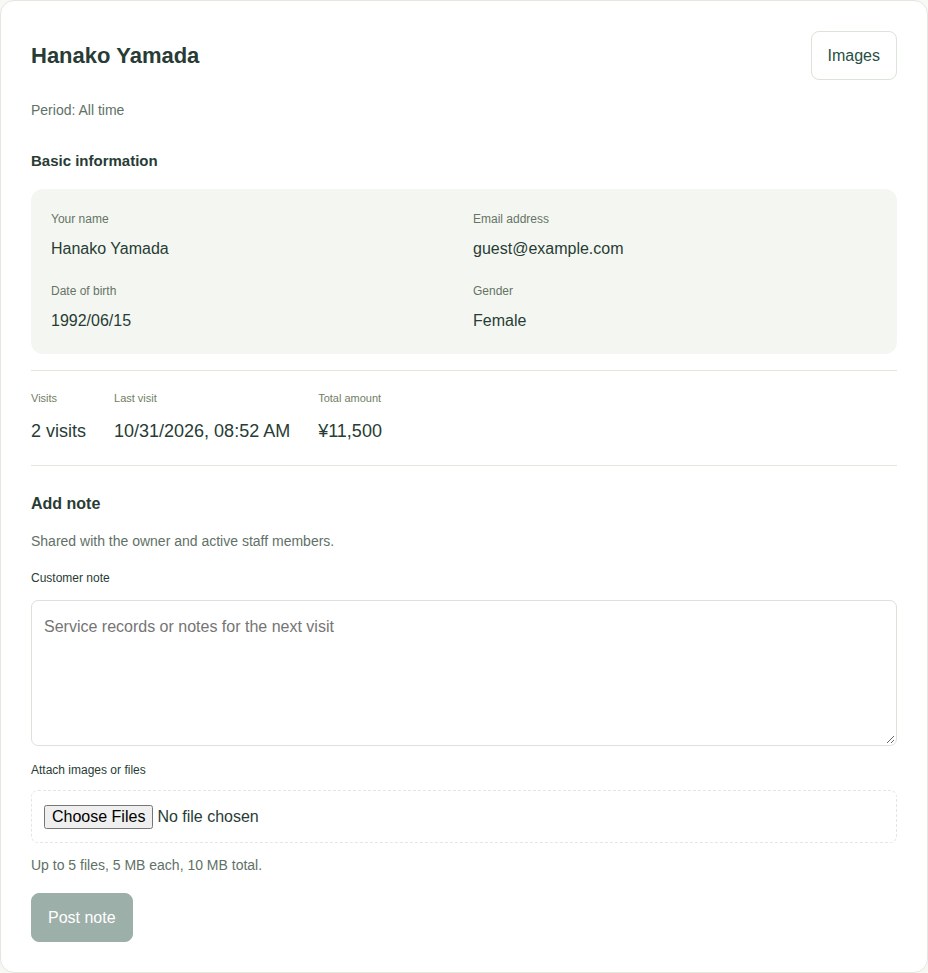
Keep names, emails, bookings, inquiries, visits and spending together for each customer. Add notes and service photos to make the next visit feel personal.
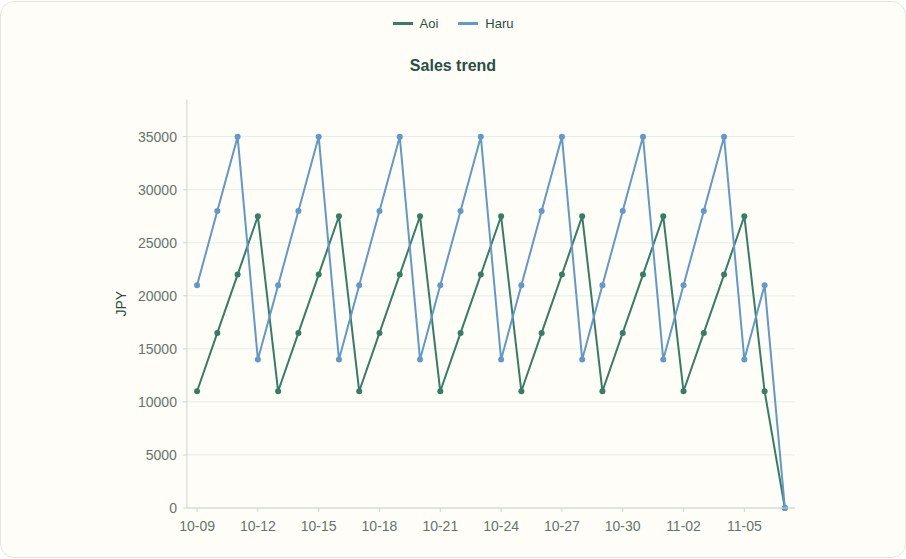
Compare sales by staff member and menu, by day or month. Follow booking-page visits through to confirmation alongside traffic trends to understand how your shop is doing.
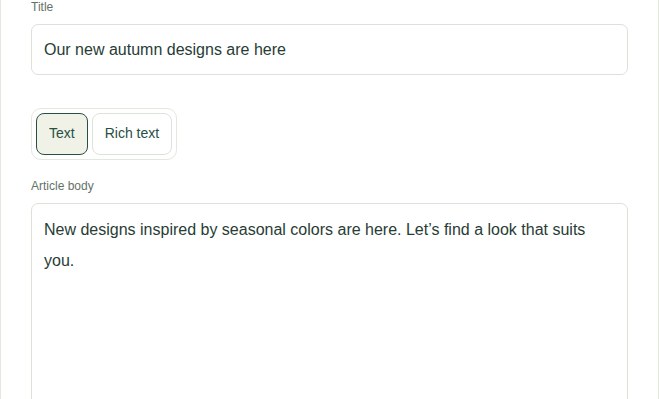
No technical experience is needed. Describe your shop or the changes you want by typing or speaking. Review the result on screen before publishing or applying changes.
Can customers see my unfinished pages?+
Your first preview is private to your signed-in account. Customers cannot see it until you review the content and explicitly choose to publish publicly.
Can I change services and hours after publishing?+
Yes. Edit them in your management screen or describe the change to AI. Review the proposed changes before applying them to your public pages.
Who can see customer information?+
The owner and authorized staff can view customer information and private service notes in the management screen. Customers see their own booking information and other customer-facing content.
Can I see sales and booking trends?+
Yes. Analytics shows sales by staff and menu, booking-page visits and confirmations, and daily or monthly traffic. Choose the last 7, 30 or 90 days. Sales include active appointments whose service has ended.
What do I need to get started?+
A Google account is all you need to start (an invitation password is also required for now). You set up PayPal and Twilio only if you use prepayment or phone reception. Booking and customer records are stored by the service and can be exported. Photos and exported pages are saved in Google Drive; published pages are served by the service.